Downloader for X is a powerful graphical download manager. It supports both HTTP(S) and FTP protocols and has nice graphical user interface, though some actions can also be performed using the command line.
Among others, its key features include proxy and SOCKS5 support, recursive downloading, wildcard matching, download
scheduler, multiple download queues and more.
Install d4x in Ubuntu
sudo apt-get install d4x
This will complete the installation.If you want to open the application you need to Applications -> Internet ->Downloader for X

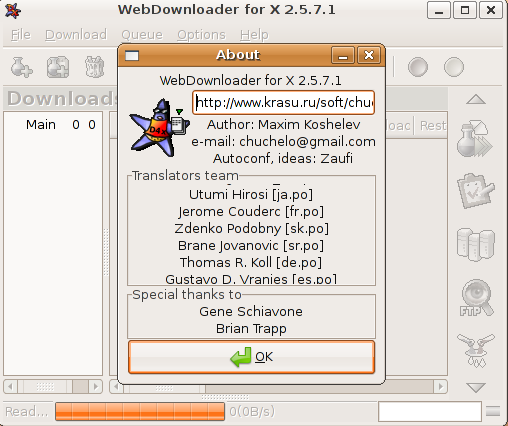
Once it open the application you should see the following screen

d4x version details
Thanks a lot. It works like a charm.
It is nice approach here supporting ubuntu with the excellence of mind. Congratulation.