Picasa is software that helps you instantly find, edit and share all the pictures on your PC. Every time you open Picasa, it automatically locates all your pictures (even ones you forgot you had) and sorts them into visual albums organized by date with folder names you will recognize. Picasa also makes advanced editing simple by putting one-click fixes and powerful effects at your fingertips.
First you need to download picasa for linux from here
sudo wget http://dl.google.com/linux/deb/pool/non-free/p/picasa/picasa_2.2.2820-5_i386.deb
now we have a picasa .deb package
Install .deb package
sudo dpkg -i picasa_2.2.2820-5_i386.deb
this will complete the installation
Now you need to open picasa from Applications—>Graphics—>Picasa

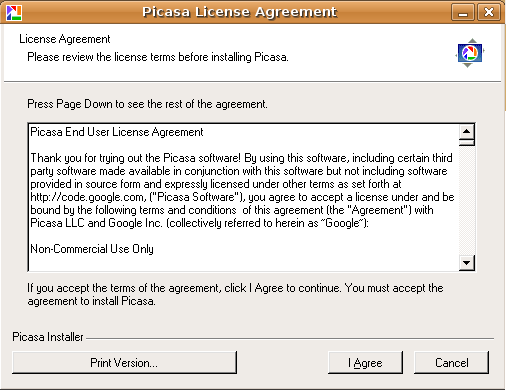
First time it will prompt for license click on i agree
This will open the window asking for complete scan or only desktop select your option and continue

It will find all the available images in your system you can see this in the following screen
